For Netflix, Disney+ and YouTube
Learn a language from the shows you already watch.
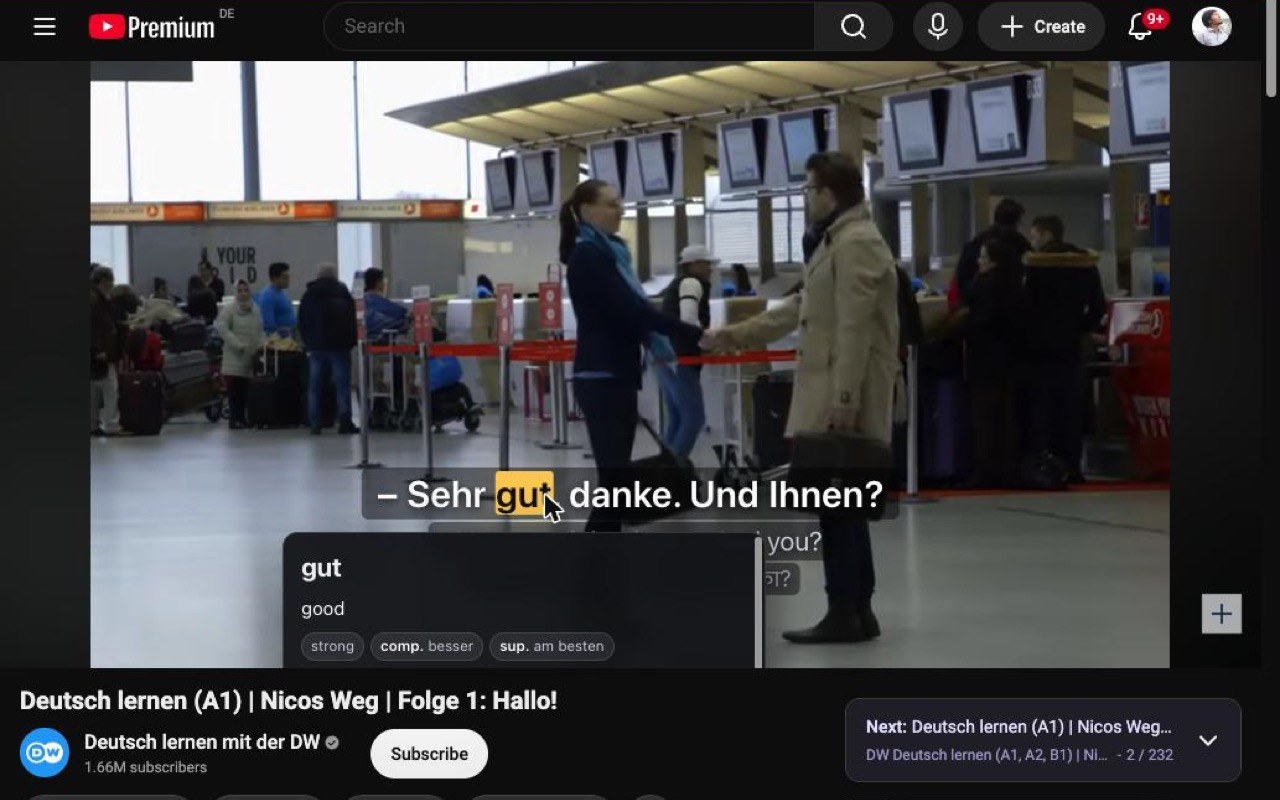
YumSub puts two subtitle lines in the player — the language you are learning and the one you know — and turns every word into a dictionary card.
Try it free for 7 daysHow it works
No payment for the trial. After that, $4.99 a month.
Three steps, then just watch.
Nothing to learn first. It sits in the player you already use.
- 01
Add it to Chrome
Install from the Chrome Web Store and confirm your email to start the free trial.
- 02
Pick your two languages
The one you are learning follows the show's audio. The second line is in the language you know.
- 03
Click any word
Meaning, part of speech, gender, plural and verb forms — and one click saves it with its sentence.
On real shows, in your language.
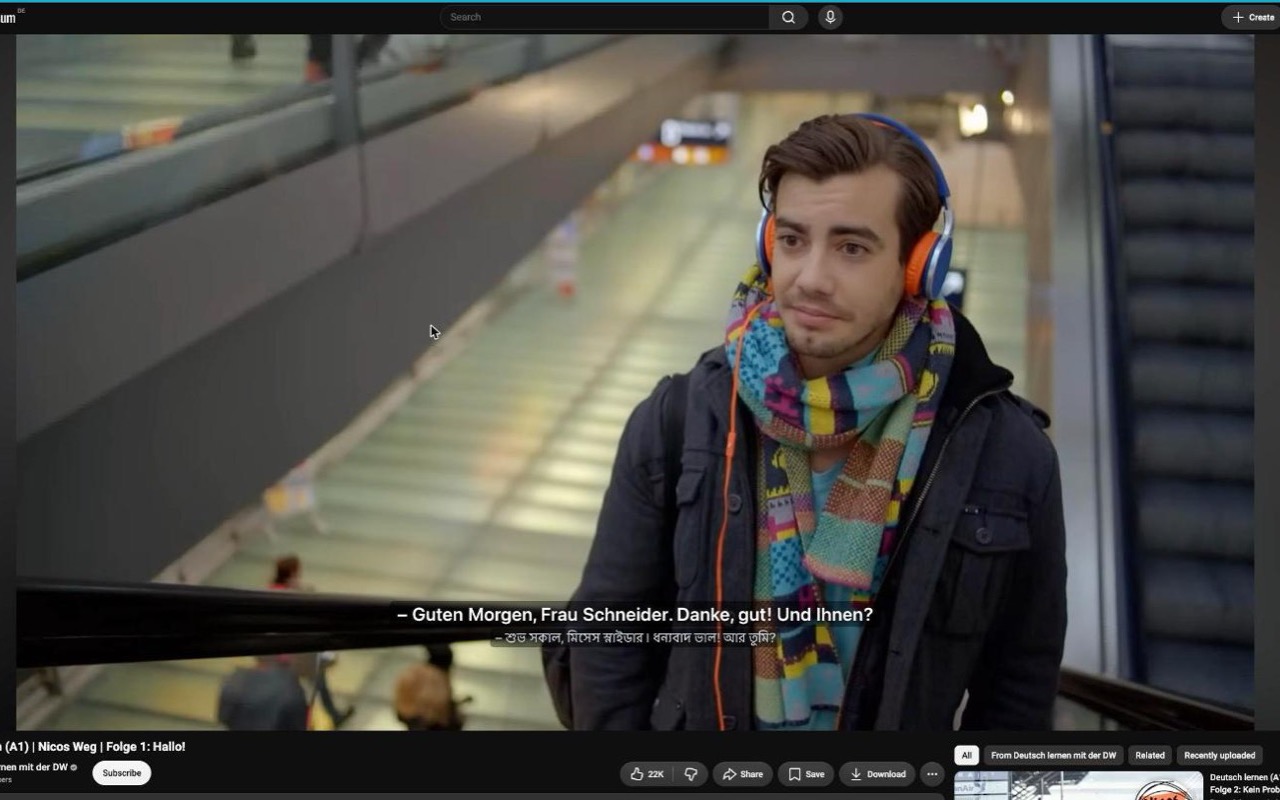
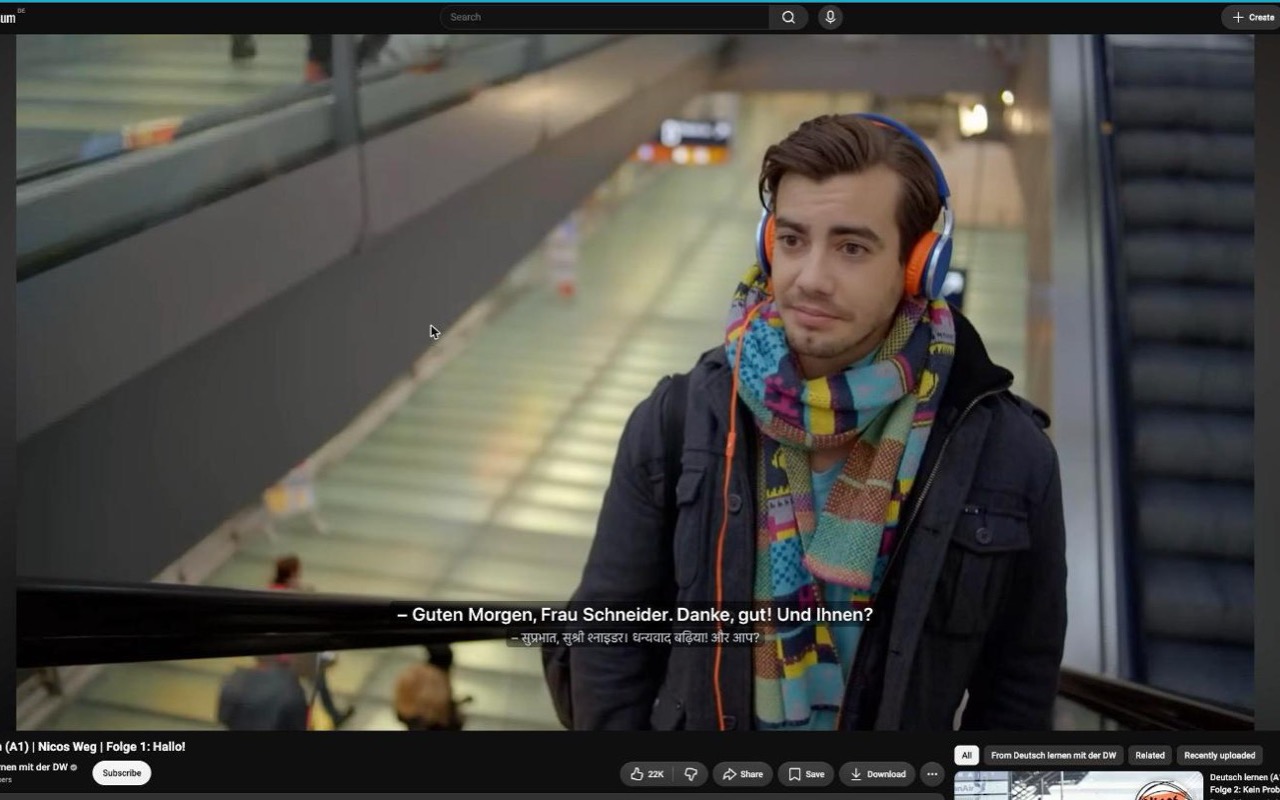
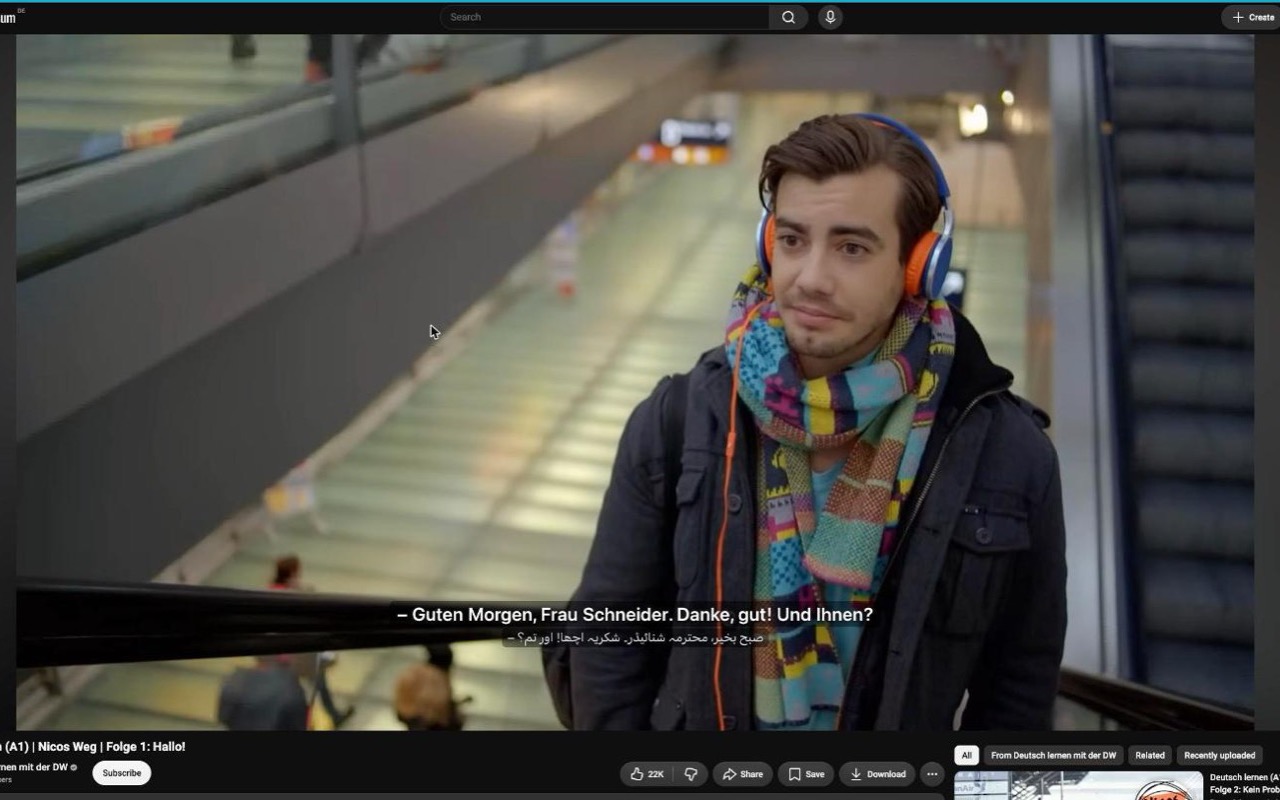
Made for learning, not just reading.
It knows the grammar
A Wiktionary-backed card that recognises "ging" as a form of "gehen".
Translation that reads the scene
Whole lines are translated in context by a language model, not word by word.
Keep what you look up
Saved words come with the sentence you met them in, and where you heard it.
Your keyboard, not the mouse
Replay a line, jump to the next one, or nudge the timing when a track runs early.
Pricing
7 days free after you sign up. Then a month or a year — nothing renews by itself.
Monthly
30 days
Annual
365 days
Questions
What does YumSub do?
It shows two or three subtitle lines at once on Netflix, Disney+ and YouTube — the language you are learning and one you know — and turns every word of the learning line into a dictionary lookup: meaning, part of speech, gender, plural and verb forms, with one click to save it.
What do I get with a subscription?
Everything: dual subtitles, the word dictionary, saved words, and context-aware translation of whole subtitle lines by a large language model. Translations are cached and shared, so popular shows load instantly.
Does it work without an account?
No. YumSub needs a licence key. Register and confirm your email to get a 7-day trial key, then buy a month or a year to keep going.
How many devices?
One licence is for one Chrome profile at a time. You can move it to a new computer yourself from your account page, once a week.
How does the trial work?
Create an account and confirm your email: you get 7 days of the full version, no payment needed. Afterwards you buy a month or a year; without one, YumSub pauses until you do.
How do I pay?
Visa, Mastercard or Amex, through SSLCommerz. Nothing renews automatically — you buy a month or a year, and we email you before it runs out.
Can I cancel?
There is nothing to cancel: a licence simply runs until its end date unless you buy more time. See the refund policy for refunds.
What data do you collect?
Subtitle lines are sent to our server to be translated, and nothing else from the page. No browsing history, no tracking. See the privacy policy.
Start with tonight's episode.
7 days free. Cancel by simply not buying.
Create your account